
If you’ve ever searched for a shop, clinic, or restaurant near you and scrolled past the first three results that popped up with a map, star rating, and phone number – you’ve already interacted with Google Business Profile. And if your business isn’t one of those three listings, you’re handing customers straight to competitors who took the time to set theirs up properly.
This guide walks through everything a Jaipur business owner needs to know – from the absolute basics to the details most people overlook.
What Is Google Business Profile?
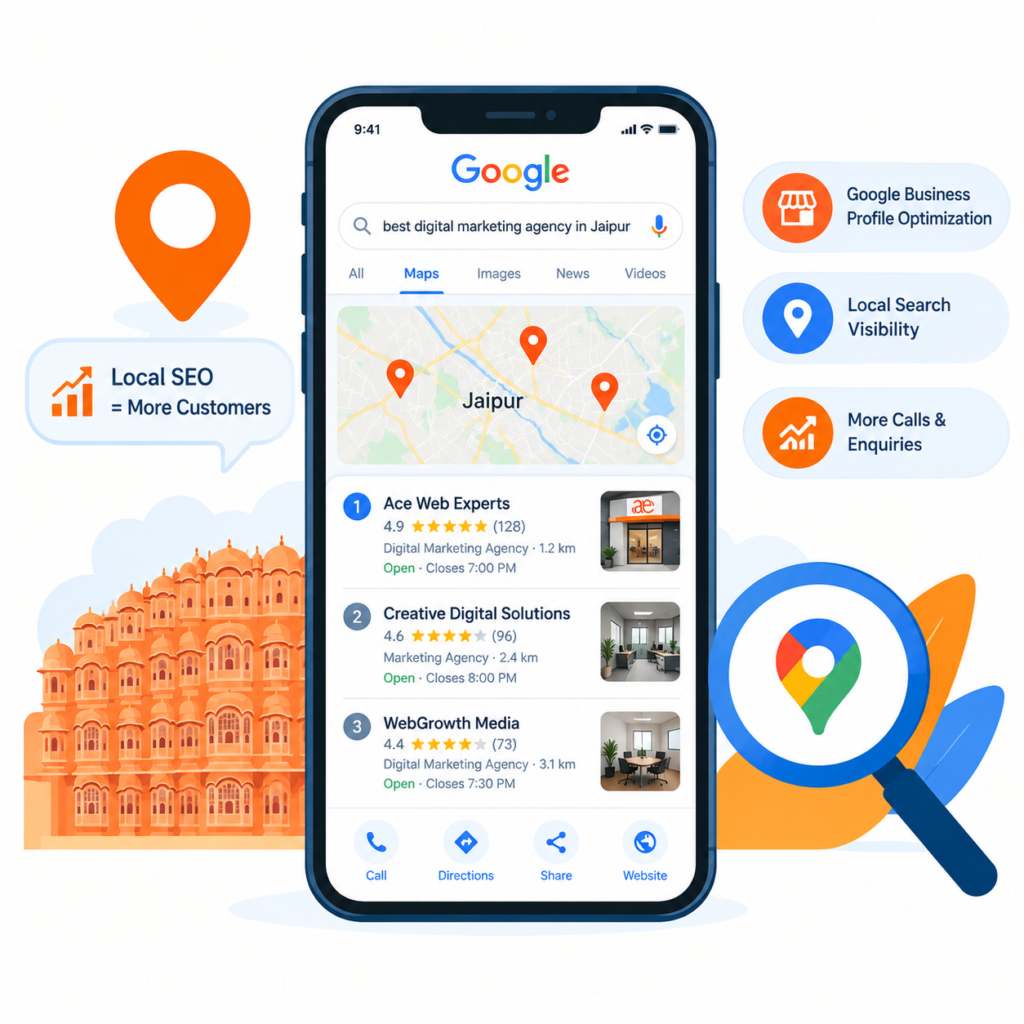
Let’s start with the obvious question, because a lot of business owners still get this wrong: what is Google Business Profile? Simply put, it’s a free listing that shows up on Google Search and Google Maps whenever someone searches for your business by name, or searches for what you do nearby – like “SEO agency in Jaipur” or “bakery near me.”
It shows your address, phone number, hours, photos, reviews, and even posts you share -all without a visitor needing to open your website first. For a lot of local businesses, this listing does more work than the website itself, simply because it’s the first thing people see.
A quick side note here, since it trips people up: what is Google My Business? That’s just the old name. Google rebranded it to Google Business Profile a few years back, but the tool works the same way – so if you’re searching for tutorials online, you’ll still see both names used interchangeably.
Why Google Business Profile Optimization Matters More Than You Think
Here’s the part most business owners miss – simply having a listing isn’t enough. Google decides which businesses show up in that top three “map pack” based on how complete, active, and trustworthy a profile looks. An unclaimed, half-filled listing gets buried, no matter how good the actual business is.
This is exactly why Google Business Profile optimization matters more today than it did even two years ago. More people are searching “near me” than ever before, and the businesses winning those searches aren’t necessarily the best ones – they’re the ones that took optimization seriously.
How to Create a Google Business Profile (Step-by-Step)
If you’re starting from scratch, here’s how to create a Google Business Profile without overcomplicating it:
Go to google.com/business and sign in with a Google account (ideally one tied to your business, not a personal one you’ll forget about).
Enter your business name exactly as it appears on your signage and other listings — don’t add keywords here, Google doesn’t allow it and it can get your listing suspended.
Choose your business category carefully. This single choice affects which searches you show up for, so pick the most accurate one rather than the broadest one.
Add your address, service area, phone number, and website.
Select whether you want to appear on Google Maps as a physical location or list yourself as a service-area business if you travel to customers.
This same process answers how to create a Google My Business account – again, it’s the same tool, just an older name still floating around in search results and old blog posts.
How to Claim Your Google Listing
Sometimes a listing already exists for your business – created automatically by Google, or by a past employee, or even a customer. If that’s the case, you don’t create a new one; you need to know how to claim Google listing that already exists.
Search for your business name on Google Maps. If a listing shows up, click “Claim this business” or “Own this business.” Google will ask you to verify ownership – usually through a postcard sent to your business address, a phone call, or email verification, depending on your business type and history.
Don’t skip this step or leave a listing unclaimed. An unclaimed profile can be edited by anyone, including competitors, and it sends a weak trust signal to Google.
Claim and Verify Your Profile
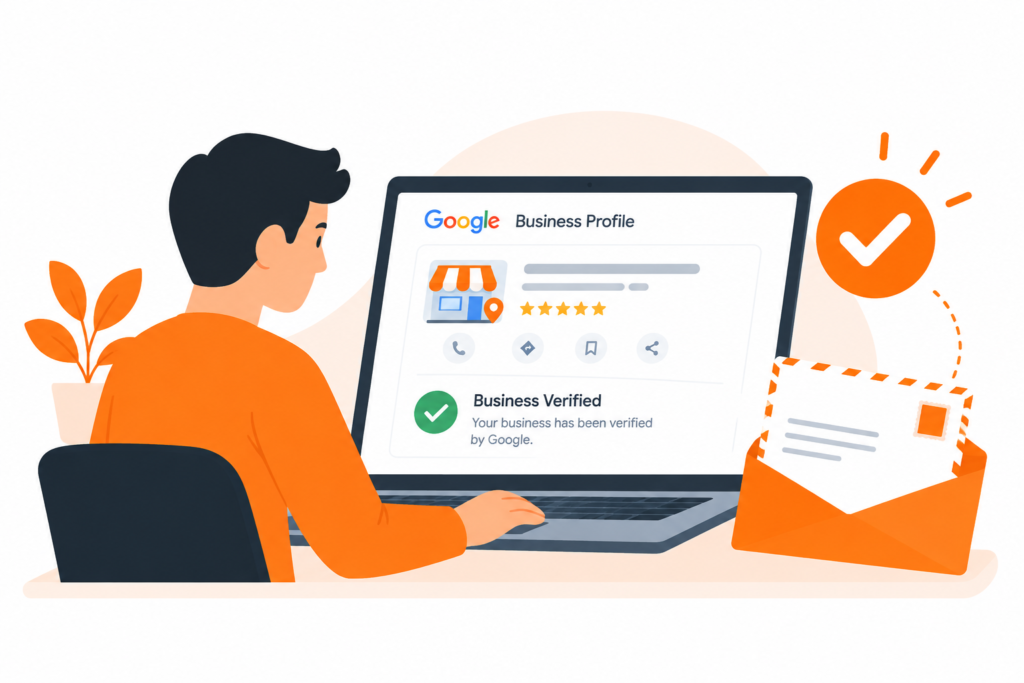
Verification is where a lot of businesses get stuck. Once you’ve claimed your listing, Google needs proof it’s real. Postcard verification is the most common route and usually takes 5–7 business days. During this waiting period, avoid making major changes to your listing, as this can sometimes reset the verification process.
Once verified, your listing gets full editing access, and – just as importantly – real credibility in Google’s eyes.
Choose Precise Categories
This deserves its own mention because it’s one of the most underrated ranking factors. Your primary category should describe exactly what you do – “Digital Marketing Agency” instead of just “Marketing Agency” if that’s more accurate to your business. You can also add secondary categories to cover additional services, but don’t stuff irrelevant ones just to appear in more searches. Google penalizes that behavior more often than people expect.
Complete Every Section 100%
An incomplete profile is a missed opportunity, plain and simple. Business hours, service list, attributes (like “wheelchair accessible” or “women-led”), a solid business description, and your website link – all of it matters. Google has confirmed that fully completed profiles get more visibility and more customer actions (calls, direction requests, website clicks) than partially filled ones.
Add Photos and Weekly Posts
Listings with photos get significantly more clicks and direction requests than those without. Add real photos – your storefront, team, products, or work in progress – not just a logo. Stock images tend to hurt more than help, since they don’t build trust the way authentic photos do.
Posts are the most underused feature on Google Business Profile. A short weekly update – an offer, a new product, a recent project – keeps your listing active and signals to Google that the business is genuinely operating and engaged.
Build and Manage Reviews
Reviews influence both rankings and customer decisions more than almost any other factor. Ask happy customers directly – most won’t leave a review unless prompted. Respond to every review, good or bad. A thoughtful reply to a negative review often builds more trust with future customers than a page full of five-star ratings with no responses at all.
How to Advertise Your Business on Google for Free
Here’s something a lot of business owners don’t realize: you don’t need an ad budget to get discovered on Google. Wondering how to advertise my business on Google for free? A fully optimized Business Profile is essentially free advertising – it puts you directly in front of people actively searching for what you offer, without paying for clicks.
Combine that with regular posts, consistent reviews, and accurate information, and you’re getting visibility that would otherwise require an ongoing ad budget to achieve through Google Ads.
Bringing It All Together
Google Business Profile isn’t a “set it up once and forget it” tool – it rewards businesses that stay active. For businesses in Jaipur competing in increasingly crowded local markets, the ones treating their profile as an ongoing part of their marketing – not a one-time task – are consistently the ones showing up first when it matters most: the moment a customer is ready to buy.
If managing your Google Business Profile feels like one more thing on an already full plate, Ace Web Experts – a Jaipur-based digital marketing agency – helps local businesses optimize their local SEO and Google presence so they consistently show up when it matters most. You can explore their approach to local SEO at acewebexperts.in.
Frequently Asked Questions
Q1. Is Google Business Profile the same as Google My Business?
Yes. Google renamed “Google My Business” to “Google Business Profile” a few years ago, but the tool and its features remain exactly the same. If you come across tutorials or articles mentioning “Google My Business,” they’re referring to the same free listing tool used today.
Q2. How long does it take for a Google Business Profile to get verified?
Verification typically takes 5–7 business days if done through postcard mail, which is the most common method. Some businesses may be eligible for faster verification via phone or email, depending on their category and location. Avoid making major edits to your listing while verification is pending, as it can delay the process.